
← スキル一覧に戻る
portfolio-maintenance
by yuichkun
⭐ 1🍴 0📅 2026年1月20日
 Manusで実行
SKILL.md
name: portfolio-maintenance description: Maintains portfolio documentation following project-specific guidelines. Use when adding projects to the portfolio, updating README entries, managing git submodules, fixing documentation formatting, regenerating table of contents, or performing any portfolio-related maintenance tasks. This skill applies to Yuichi Yogo's creative coding portfolio repository.
Portfolio Maintenance Skill
This repository serves as the portfolio of Yuichi Yogo, showcasing various creative coding experiments and prototypes. This skill helps maintain and update the portfolio documentation consistently.
Core Principles
1. Project Organization
- Use hierarchical headings for clear organization (H2 for categories, H3 for projects)
- Group projects by technology stack (e.g. Audio/WebGL/Graphics)
- Focus on technical implementation details in descriptions
- After adding or updating entries, regenerate the table of contents:
npx markdown-toc -i README.md
2. Repository Structure
The portfolio uses git submodules to manage individual projects. When adding a new project:
# 1. Create a new directory under prototypes/
# 2. Add the project as a submodule
git submodule add https://github.com/yuichkun/<project-name> prototypes/<local-name>
# Example: Image Tessellation project
git submodule add https://github.com/yuichkun/mosaic-by-image-gathering prototypes/image-tessellation
3. Asset Management
Always use absolute GitHub URLs for assets from submodules:
<!-- Good -->

<!-- Bad -->

Project Entry Format
Use this template for new project entries:
### Project Name

[🔗 Demo](URL) • [📝 Learn more](URL)
Technical description of the project, focusing on implementation details,
technologies used, and unique features.
Example Entry
### Single Motion Granular
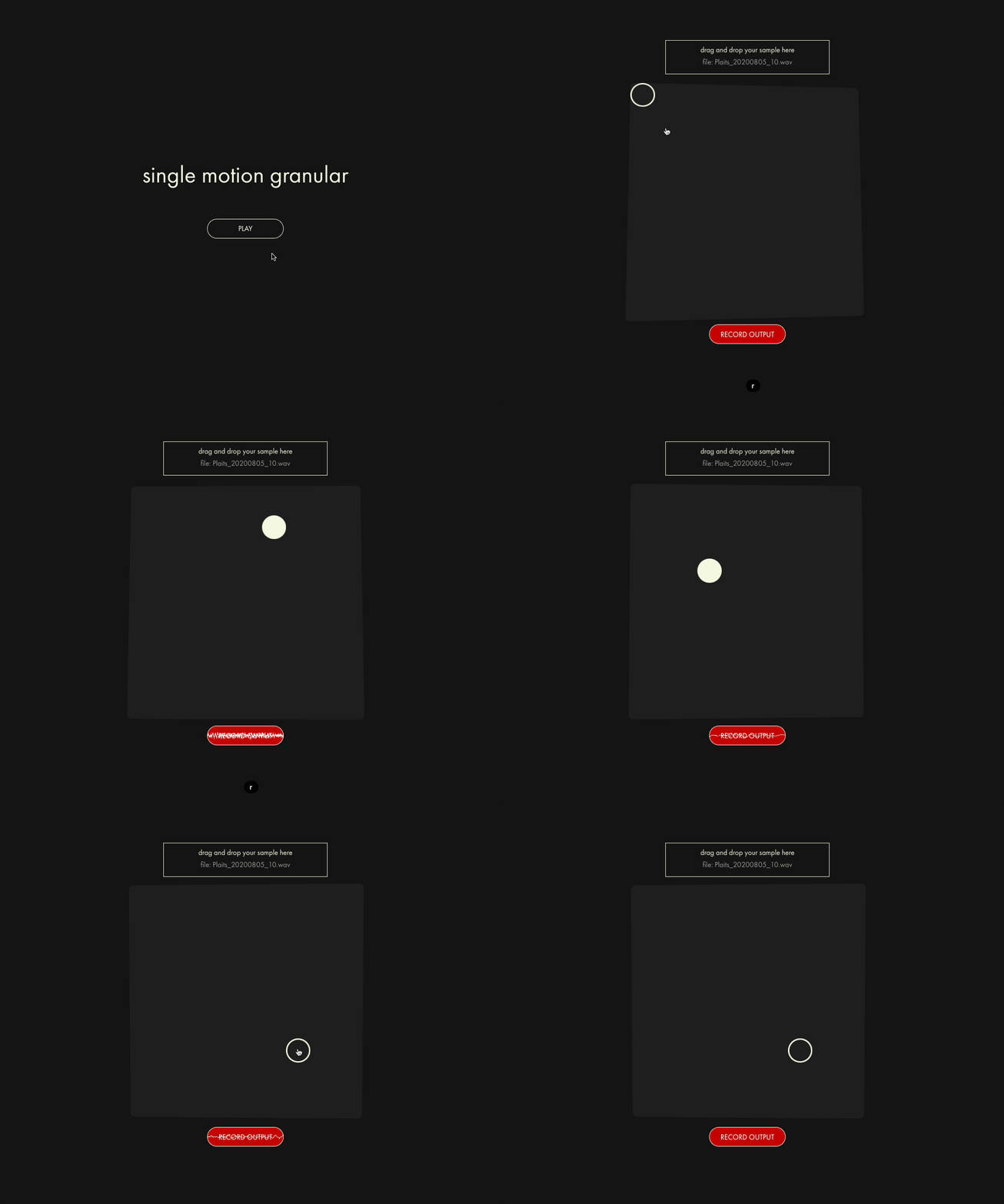
[🔗 Demo](https://kentaro-granular-web.vercel.app) • [📝 Learn more](https://github.com/yuichkun/kentaro-granular-web/blob/master/README.md)
A granular synthesis experiment with an intuitive XY pad interface. Transform audio
samples into rich, evolving textures through fluid motion control. Built with RNBO,
featuring DSP by [kentaro tools](https://kentaro.tools).
Workflow for Adding Projects
When the user asks to add a project to the portfolio:
-
Gather Information
- Project repository URL
- Local directory name under
prototypes/ - Demo URL (if available)
- GIF/image URL for demonstration
- Technical description
-
Add Submodule
- Use the git submodule command pattern above
- Commit the submodule addition
-
Update README.md
- Find the appropriate category section
- Add the project entry following the format template
- Use absolute GitHub URLs for all assets
-
Regenerate TOC
- Run
npx markdown-toc -i README.md - Commit the changes
- Run
-
Review
- Check that links work
- Verify formatting is consistent
- Ensure technical description is clear and detailed
Quality Checklist
Before completing portfolio maintenance tasks, verify:
- All asset URLs are absolute GitHub URLs
- Project entry follows the template format
- Technical description focuses on implementation details
- Demo and repository links are working
- Entry is in the correct category section
- Table of contents has been regenerated
- All changes are committed
スコア
総合スコア
50/100
リポジトリの品質指標に基づく評価
✓SKILL.md
SKILL.mdファイルが含まれている
+20
○LICENSE
ライセンスが設定されている
0/10
○説明文
100文字以上の説明がある
0/10
○人気
GitHub Stars 100以上
0/15
○最近の活動
3ヶ月以内に更新がある
0/10
○フォーク
10回以上フォークされている
0/5
✓Issue管理
オープンIssueが50未満
+5
✓言語
プログラミング言語が設定されている
+5
○タグ
1つ以上のタグが設定されている
0/5
レビュー
💬
レビュー機能は近日公開予定です